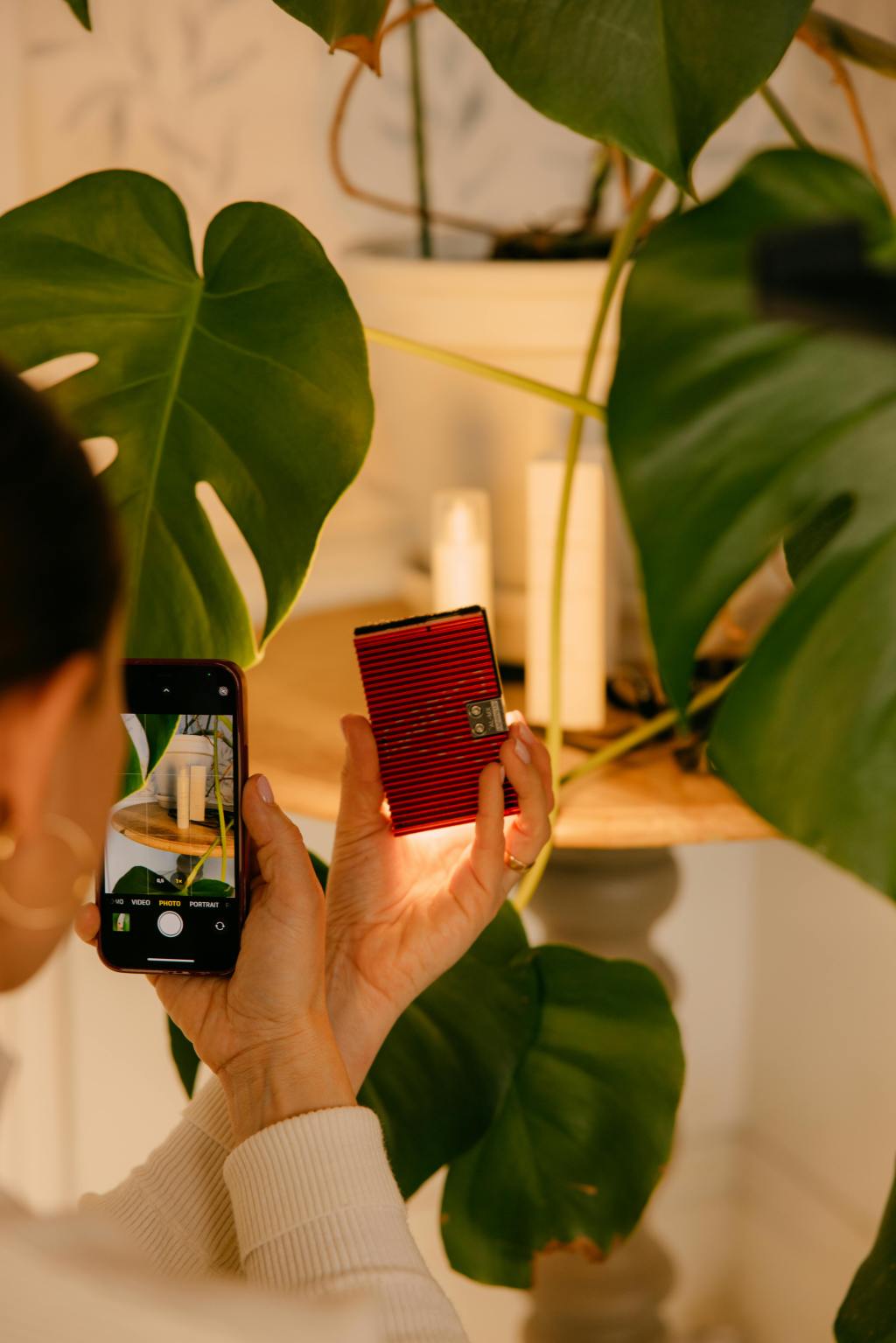
In today’s digital world, great product photos are essential to stand out online. Whether you’re a UGC creator or a small business owner, you don’t need an expensive camera to capture high-quality images. With your phone and a few simple techniques, you can take professional-looking photos that attract attention and drive sales.
Here’s how to get started with phone product photography:
- Lighting is Key
Good lighting makes all the difference. Natural light is your best friend. Try shooting near a window with soft, diffused light. Avoid harsh direct sunlight, as it can create unwanted shadows. - Use a Simple Background
Keep the focus on your product by using a simple, neutral background. White or light-colored backgrounds work best. You can use a plain wall, a fabric backdrop, or even a large piece of paper. - Keep Your Phone Steady
A steady shot is crucial for sharp, clear photos. Use both hands to hold your phone steady, or better yet, invest in an inexpensive tripod to keep it still. - Adjust Your Focus
Make sure your phone is focused on the product. Tap the screen to adjust the focus before you snap the photo. - Edit Your Photos
Once you’ve taken your photos, use editing apps to enhance them. Adjust brightness, contrast, and sharpness to make your images pop. Apps like Lightroom, Snapseed, or VSCO offer easy-to-use features to improve your photos.
Want to master phone photography? Grab my complete guide with all the tips and tricks you need to take stunning product photos and boost your brand. Get your guide today and start capturing amazing photos right from your phone!

 Her Beautiful Brand
Leave a comment